
Hello MNVA,
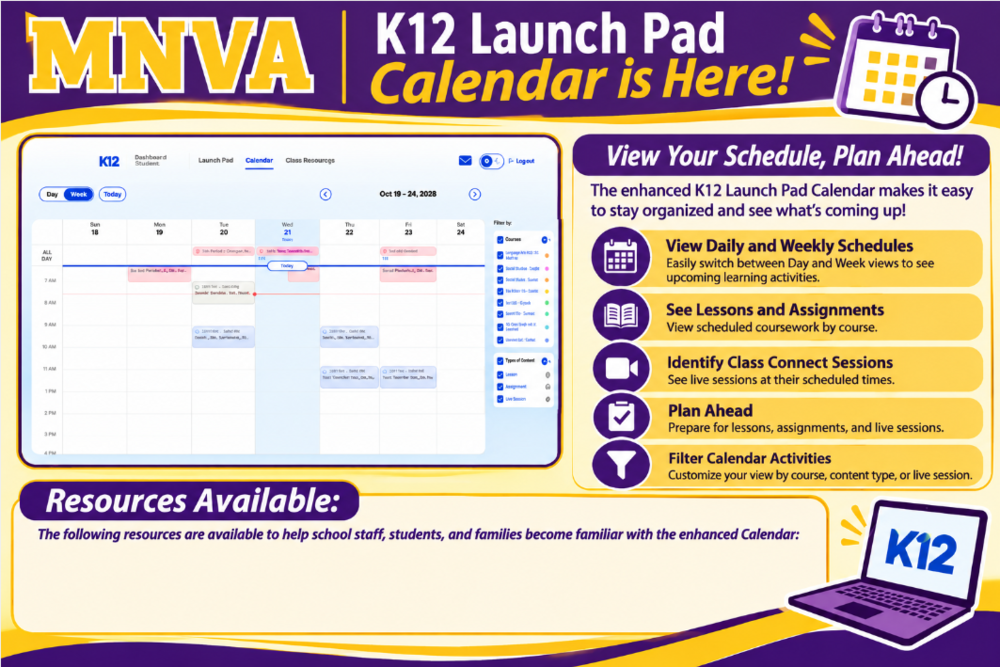
An enhancement to the K12 Student Launch Pad Calendar is now available to help students better organize their learning, manage schedules, and stay on track with coursework. The enhanced Calendar brings scheduled lessons, assignments, and Class Connect sessions into one centralized view, providing students and families with greater visibility into daily and weekly learning activities. The new Student Calendar is making it easier for students and families to understand what is scheduled and when, which helps students anticipate upcoming coursework and live sessions.
What's New?
Students can now:
View Daily and Weekly Schedules: Easily switch between Day and Week views to see upcoming learning activities.
See Lessons and Assignments: View scheduled coursework organized by course to better understand upcoming assignments.
Identify Class Connect Sessions: See live sessions displayed at their scheduled times alongside other learning activities.
Plan Ahead: Navigate upcoming calendar activities to prepare for lessons, assignments, and live sessions.
Filter Calendar Activities: Customize the calendar view by course, content type, or live session type.
Resources Available:
The following resources are available to help school staff, students, and families become familiar with the enhanced Calendar:
· LC Quick Reference Guide- Spanish
· K12 Launch Pad User Guide (includes calendar)